店铺数据权限的实现
- 后台新建用户的时候如果是店铺管理员类型的账号,是会绑定一个店铺(对应字段
joolun_upms.sys_user.shop_id)的,店铺管理员也就是我们通常说的店员 - 多店铺的系统,肯定是需要做店铺数据权限隔离的,不同店铺的账号登录进来看到不同的数据
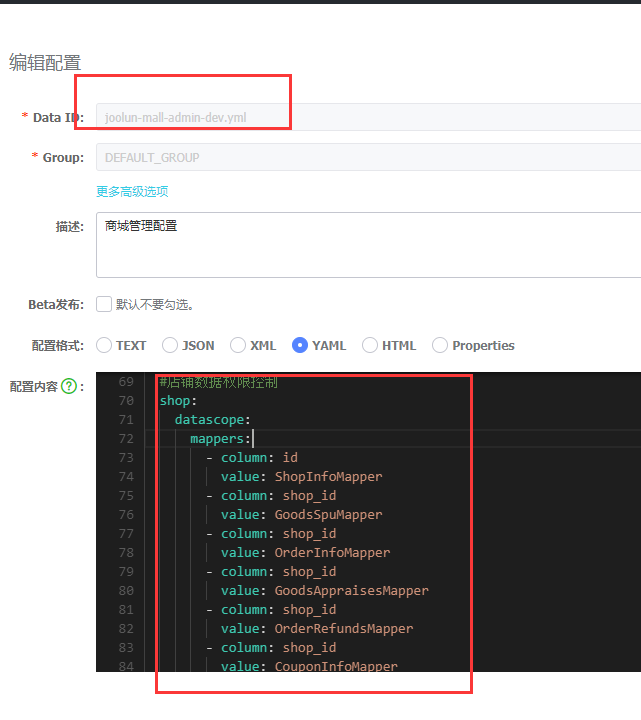
- 先配置需要进行店铺数据权限控制的Mapper
- 我们采取在执行sql上做拦截的方式实现(ShopIdInterceptor.java)
@Override
@SneakyThrows
public Object intercept(Invocation invocation) {
    StatementHandler statementHandler = PluginUtils.realTarget(invocation.getTarget());
    MetaObject metaObject = SystemMetaObject.forObject(statementHandler);
    // 先判断是不是SELECT操作
    MappedStatement mappedStatement = (MappedStatement) metaObject.getValue("delegate.mappedStatement");
    if (!SqlCommandType.SELECT.equals(mappedStatement.getSqlCommandType())) {
        return invocation.proceed();
    }

    //查询数据权限配置
    List<ShopScopeMapper> mapperIds = shopScopeProperties.getMappers();
    Map<String, List<ShopScopeMapper>> mapShopScopeMapper =  mapperIds.stream().collect(Collectors.groupingBy(ShopScopeMapper::getValue));
    String mappedStatementMapper;
    //未配置店铺数据权限,直接放行
    if (mapperIds==null || mapperIds.size()<=0) {
        return invocation.proceed();
    }else{
        //com.joolun.cloud.mall.admin.mapper.GoodsSpuMapper.selectPage1
        mappedStatementMapper = mappedStatement.getId();
        String[] strs = StrUtil.split(mappedStatementMapper,".");
        mappedStatementMapper = strs[strs.length-2];
        //没有配置当前mapper,直接放行
        if(!mapShopScopeMapper.containsKey(mappedStatementMapper)){
            return invocation.proceed();
        }
    }

    BaseUser user = SecurityUtils.getUser();
    if (user == null) {
        throw new CheckedException("auto datascope, set up security details true");
    }
    //非店铺管理员类型账号直接放行
    if(CommonConstants.USER_TYPE_1.equals(user.getType())){
        return invocation.proceed();
    }
    BoundSql boundSql = (BoundSql) metaObject.getValue("delegate.boundSql");
    String originalSql = boundSql.getSql();

    String scopeName = mapShopScopeMapper.get(mappedStatementMapper).get(0).getColumn();
    //获取当前用户的店铺id
    String shopId = user.getShopId();
    String mappedStatementId = mappedStatement.getId();
    //过滤店铺查询
    if(StrUtil.containsAny(mappedStatementId,"selectPage","selectList")){
        //selectPage、selectList查询过滤
        originalSql = "select * from (" + originalSql + ") temp_data_scope where temp_data_scope." + scopeName + " = '" + shopId + "'";
    }else if(StrUtil.containsAny(mappedStatementId,"selectCount")){
        //count查询过滤
        String w = "";
        if(StrUtil.containsAnyIgnoreCase(originalSql,"where")){
            w = " and ";
        }else{
            w = " where ";
        }
        originalSql = originalSql + w + scopeName + " = '" + shopId + "'";
    }else{
        //直接放行
        return invocation.proceed();
    }
    metaObject.setValue("delegate.boundSql.sql", originalSql);
    return invocation.proceed();
}
所有sql执行前会进入到这个拦截器,如果当前用户类型为店铺管理员,拦截器会自动给配置了店铺数据权限的Mapper下的查询sql进行shop_id过滤
新建店铺管理员(系统有中两个菜单可以新增店铺管理员)
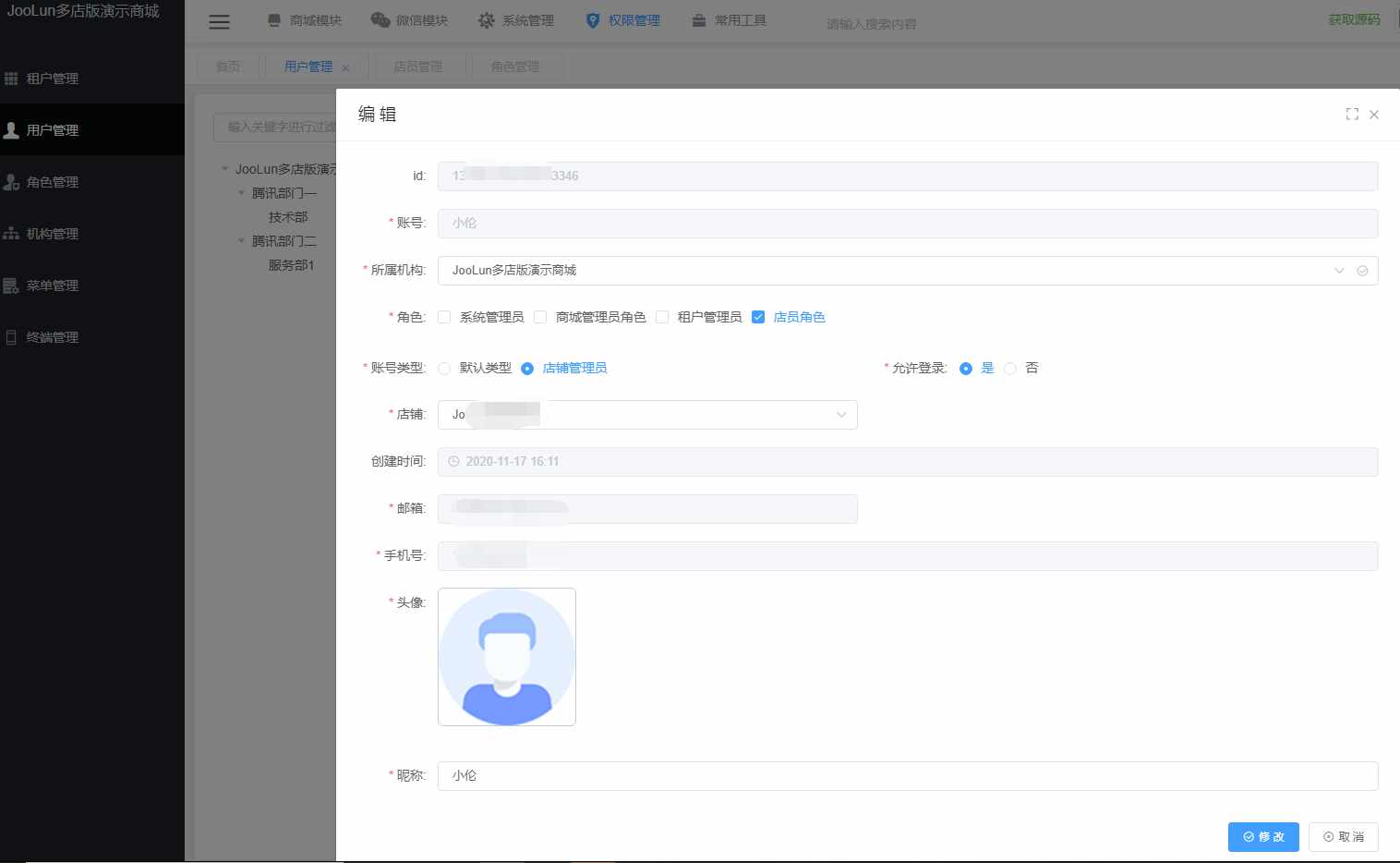
一、 权限管理-用户管理
- 这里的用户类型有默认类型和店铺管理员两种,店铺管理员类型的用户会自动进行店铺数据权限的过滤
- 商城模块-店铺管理-新增店铺
- 权限管理-用户管理-新增账号类型为店铺管理员的用户-绑定店铺,并赋予店铺管理员的角色
二、 商城模块-店铺管理-店员管理
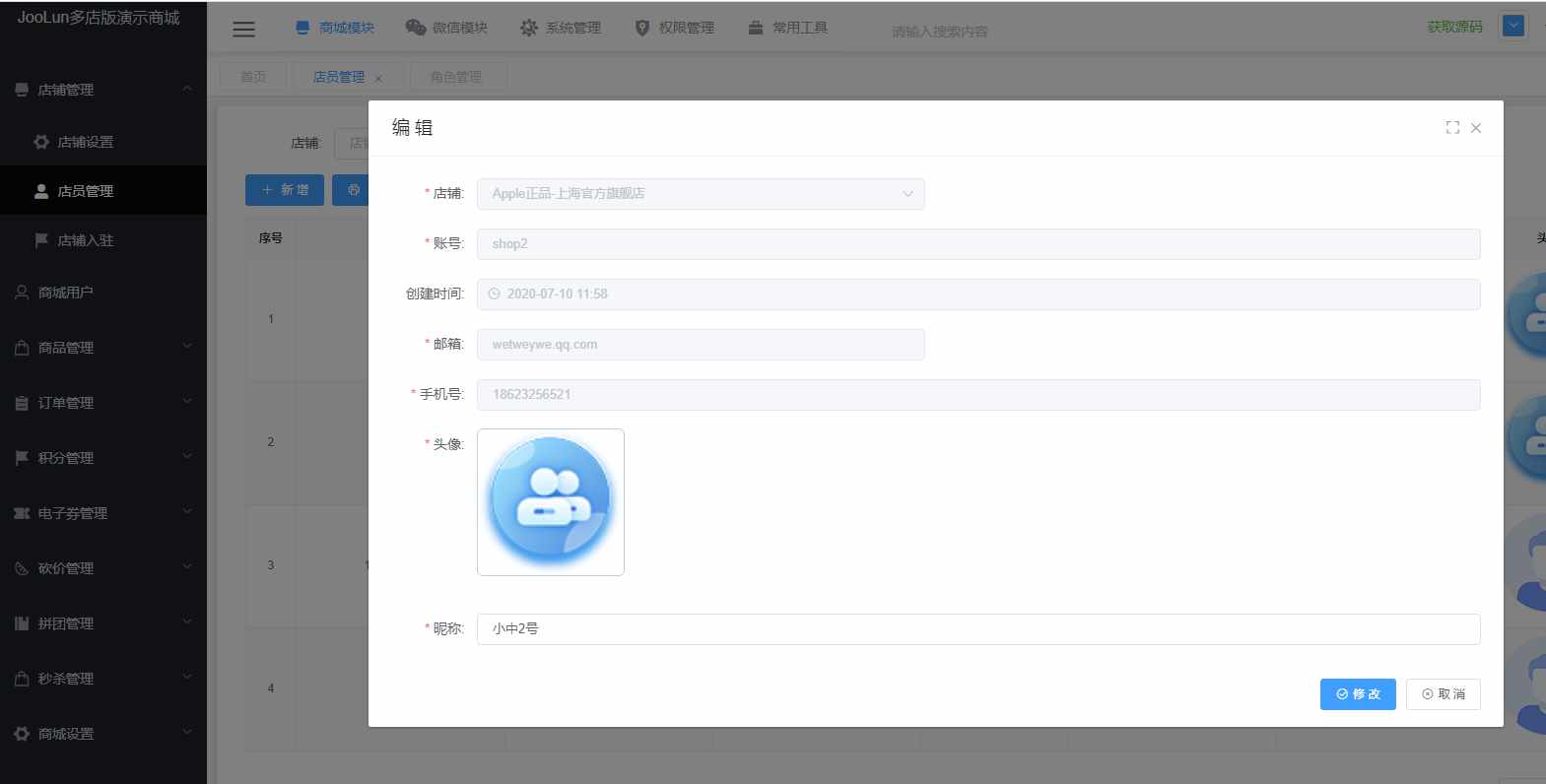
- 店员管理和第一种方式中的用户管理操作的是同一张表,本质是一样的
- 与用户管理不同的是店员管理只能操作用户类型为店铺管理员的数据
- 新增的店员默认用户类型为店铺管理员,自动绑定角色编码为
ROLE_SHOP_USER的角色,所以我们在新增一个租户的时候要给租户加一个角色编码为ROLE_SHOP_USER的角色,才能新增店员